Light
Shadows on the face come up. Warm lamps stay warm. Window light does not turn blue-white.
The enhancer lifts the face, warms the light, and puts texture back in hair and fabric. It does not rebuild the scene. One free preview per day. New accounts start with 1 credit to download.
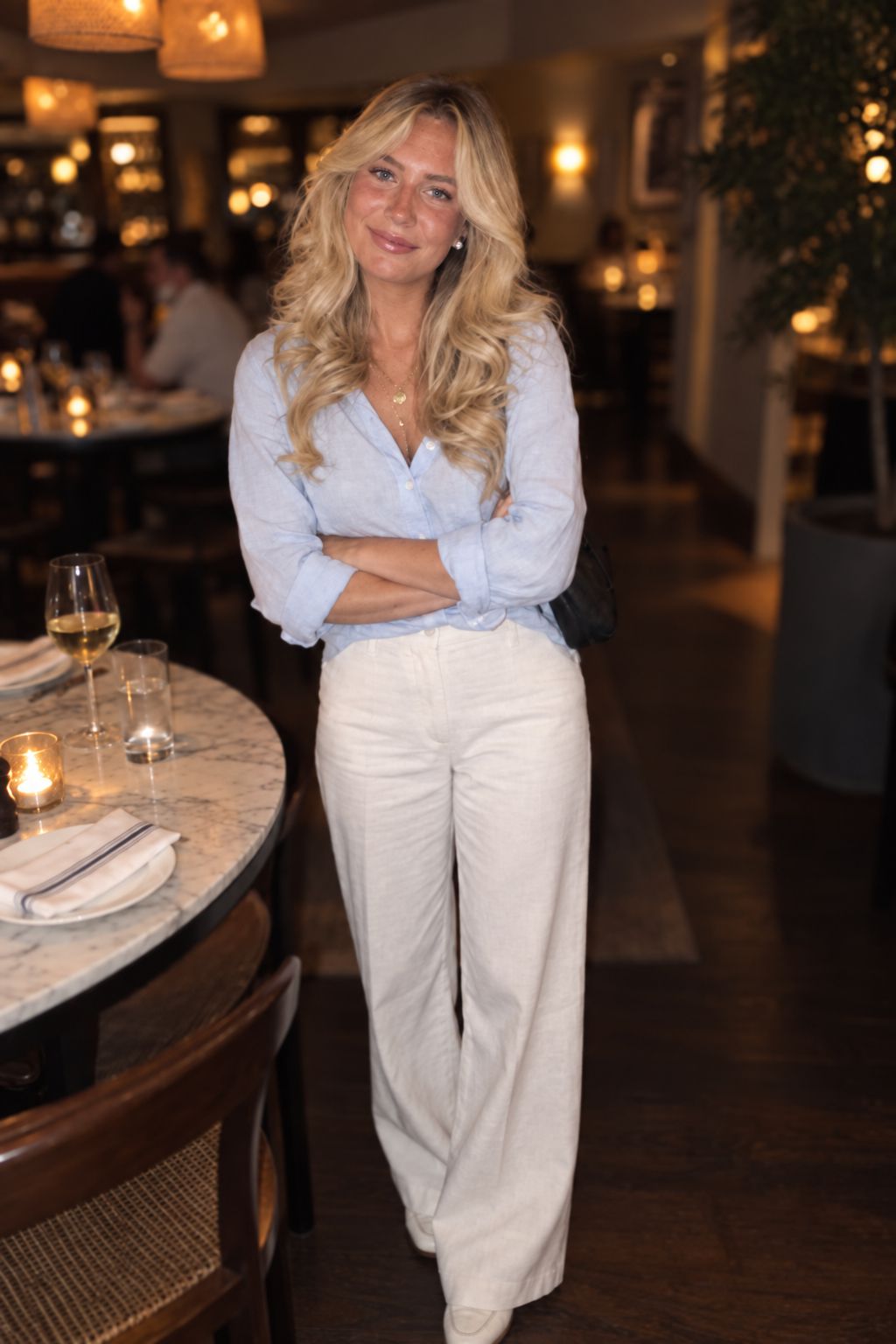
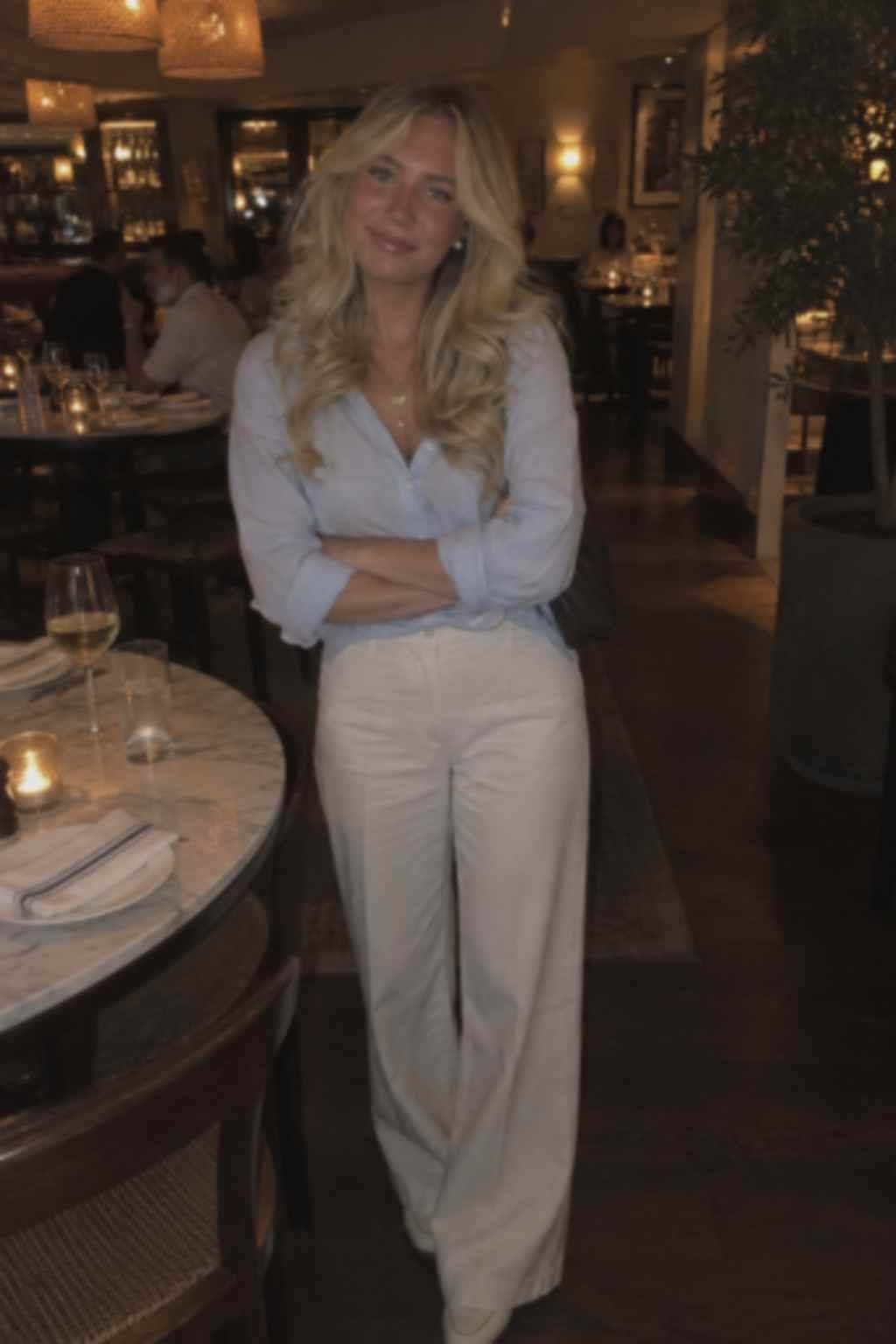
Restaurant portrait before, face in shadow. After: face lifted, pose unchanged.
Drop a file here or click to browse
One free preview per day. New accounts start with 1 credit to download.
JPG, PNG, or WebP, up to 4 MB.
A smeared edge needs Unblur. A file that is too small for print needs Upscale. A dusty scan needs Restore.
The enhancement pass
The pass is a light and texture fix, not a new photograph.
Shadows on the face come up. Warm lamps stay warm. Window light does not turn blue-white.
Hair, linen, knit, and skin keep grain. The goal is a clearer photo, not a smoothed face.
A dull evening shot gets the warmth already in the room. Clothes keep their color.
Crop, pose, furniture, and background stay. A different-looking night means the run failed.
It does not remove camera shake. A smeared frame needs Unblur.
It does not add pixels for print. A small sharp photo needs Upscale.
It does not fill damaged paper. A scanned print needs Restore.
It does not change hair, outfit, or body. For a restyle, this is the wrong tool.
Real pairs, not mockups
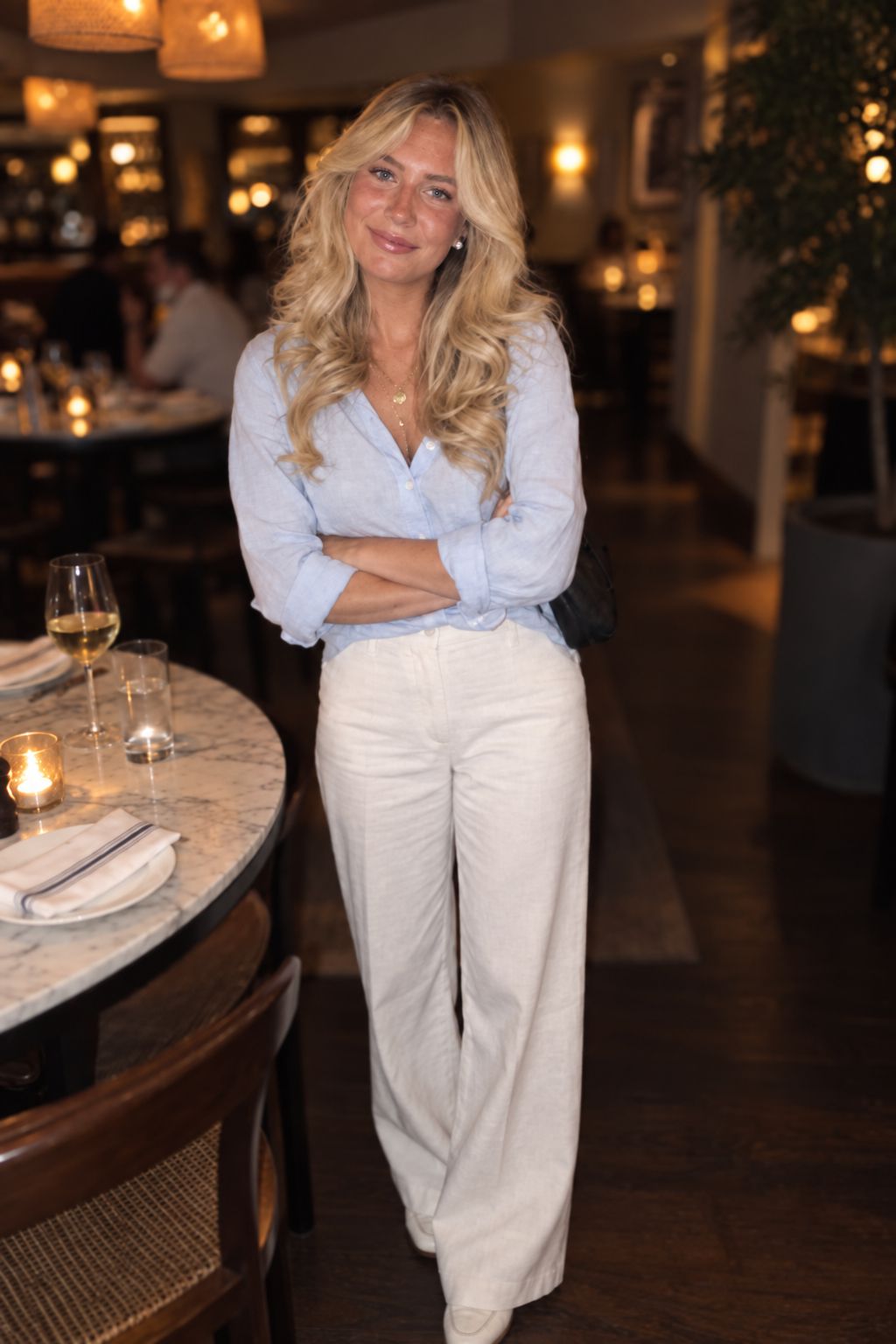
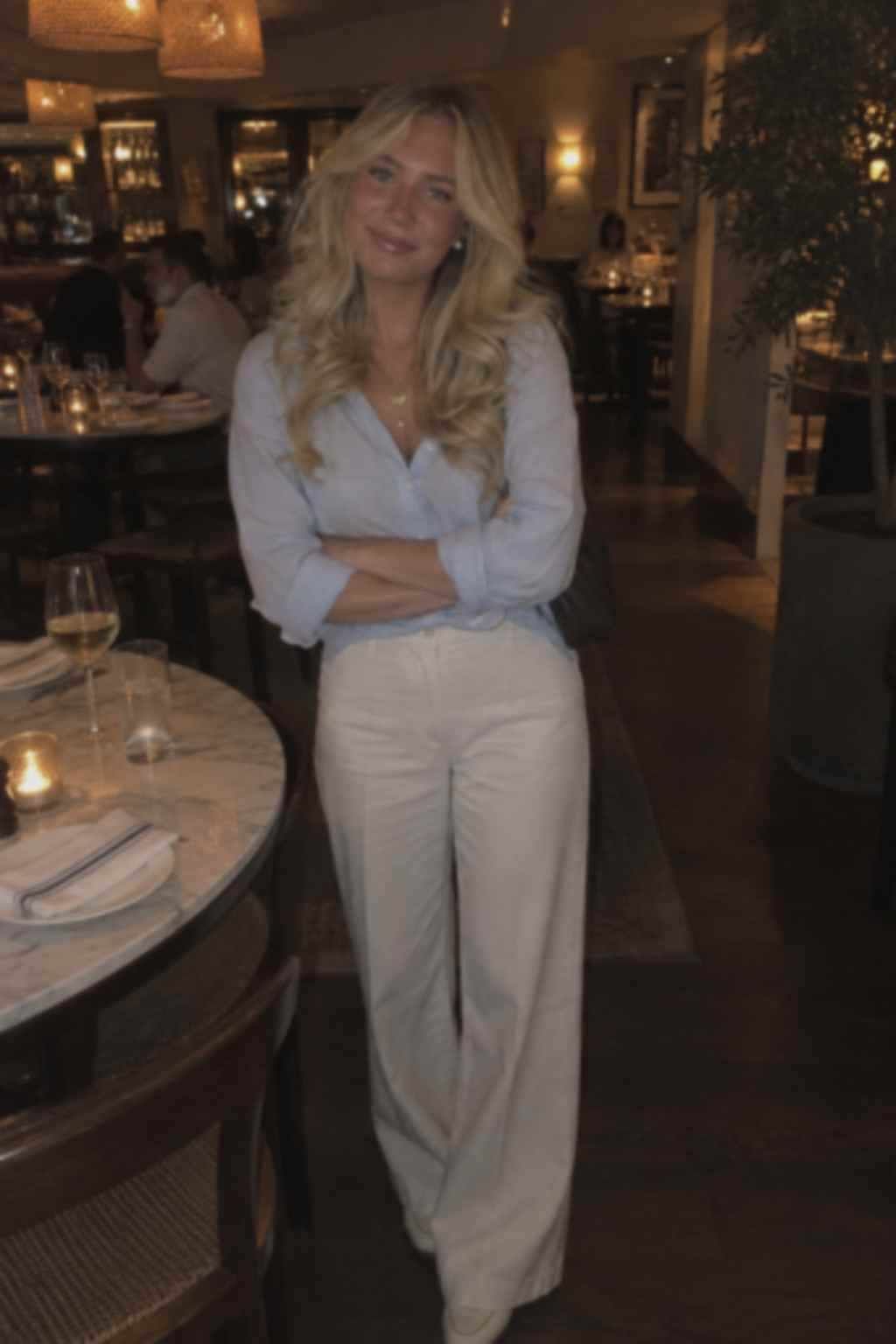
Face lost in the booth shadow.
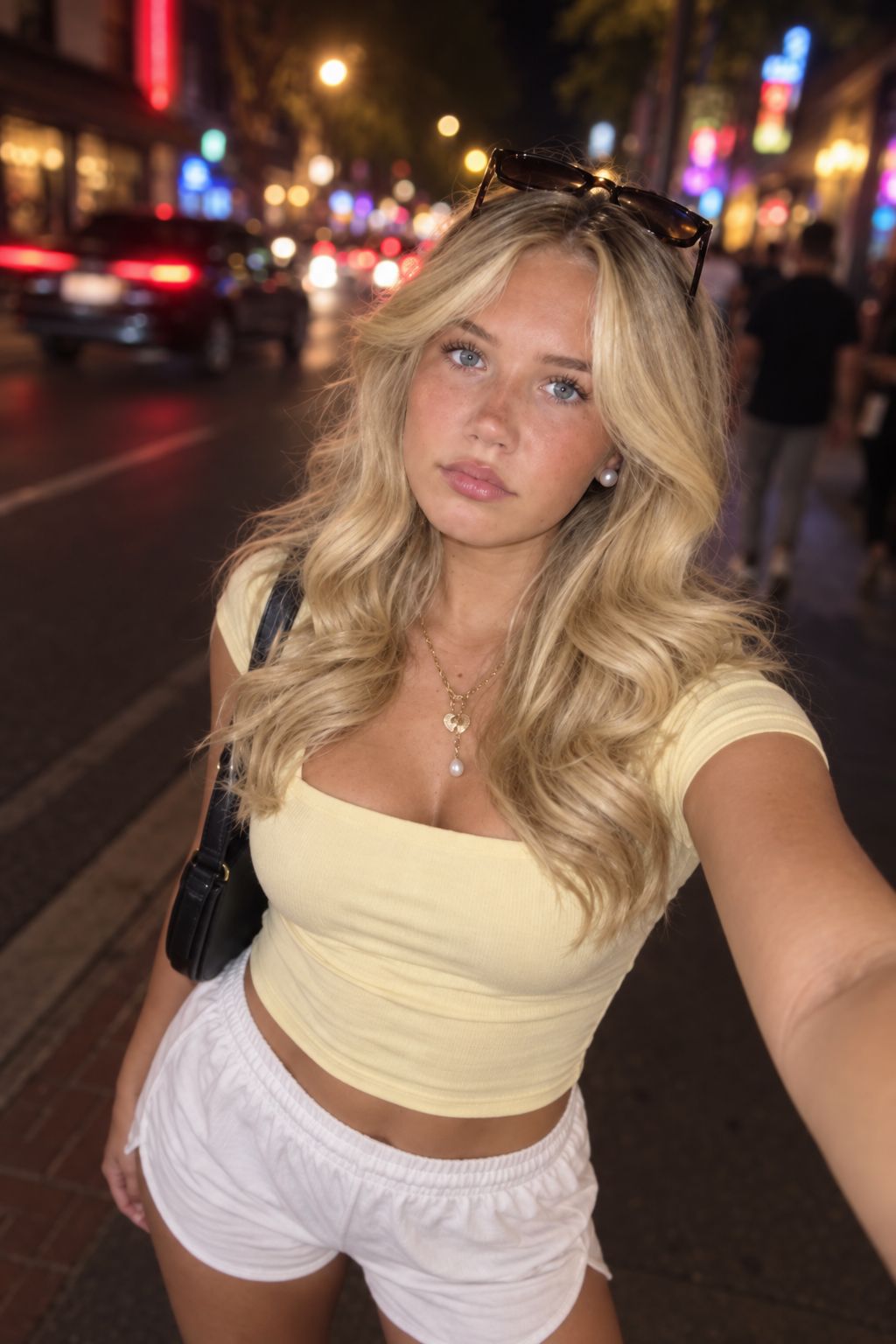
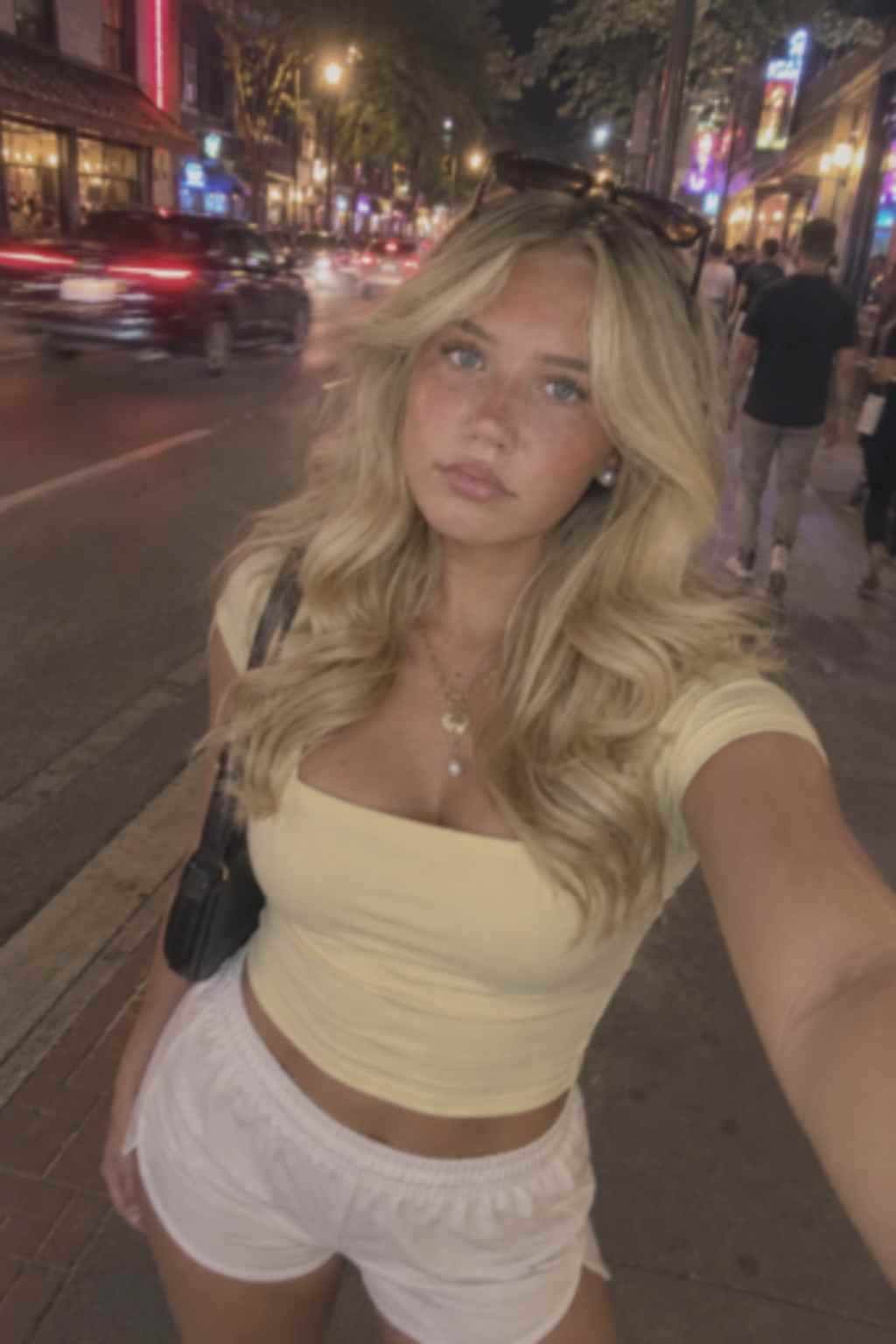
Flat street light, dull skin, pose kept.
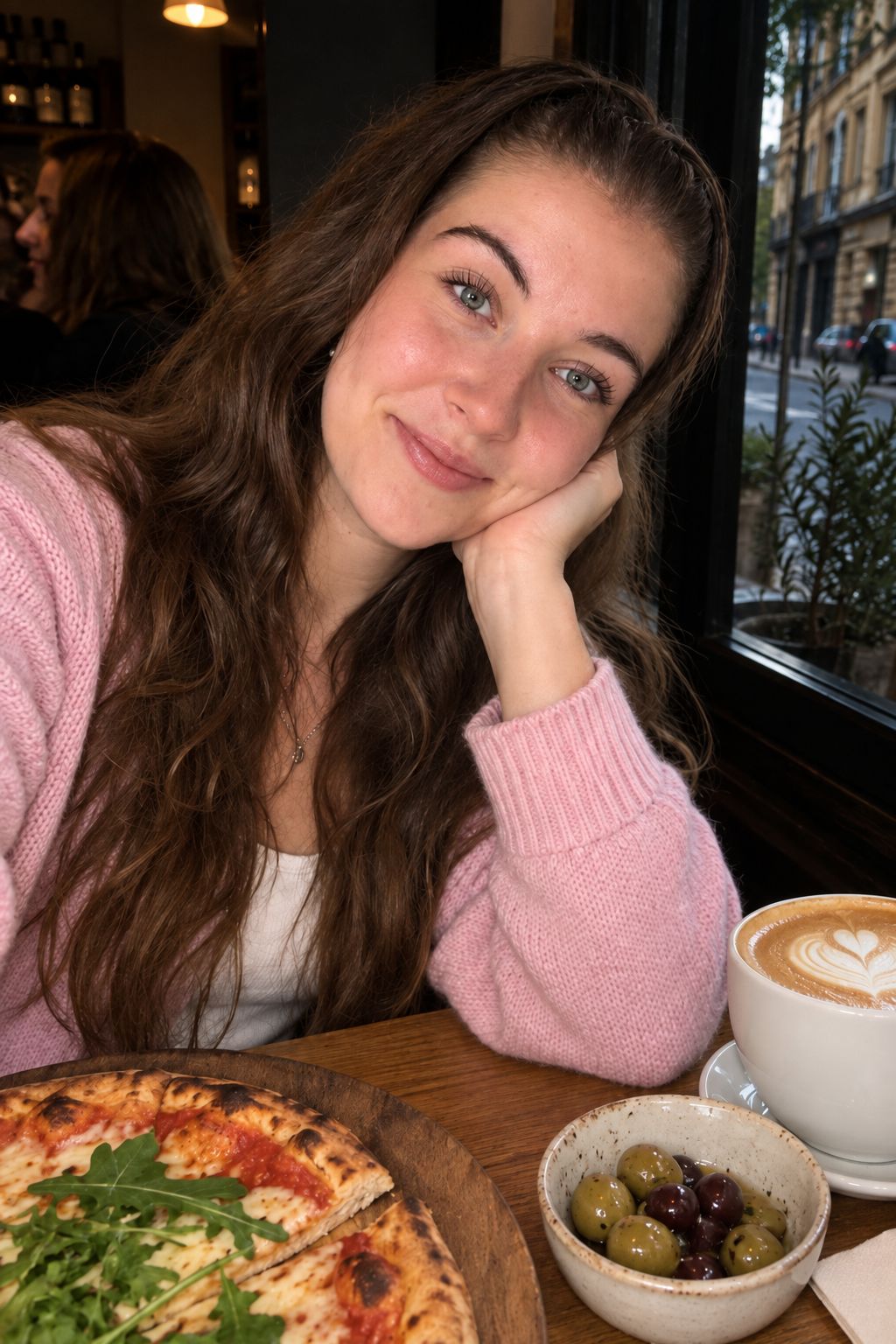
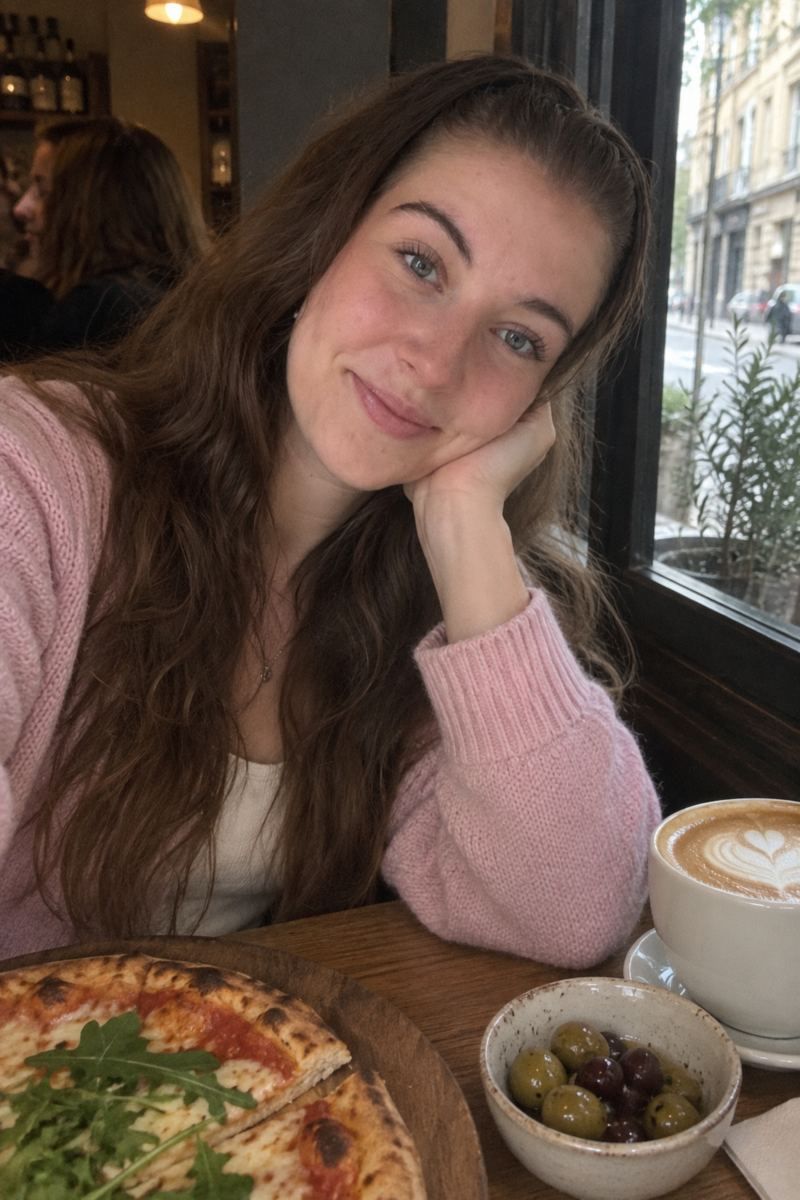
Mixed daylight, soft contrast, same seat.
Failure note: if the face looks like a different person after the pass, discard the result. Light should lift; identity should not change.
Other tools
Use each tool once for its job. Links appear here only.
Know the limit
A blurred face may be invented cleaner than the camera caught. Unblur first.
A silhouette stays a silhouette. Rim light cannot recover a missing face.
A 500 px crop may look cleaner and still be useless for print.
Menus, signs, and screens stay soft. This is not an OCR pass.
Use cases
Phone restaurant shots are the main job. Auto lifts a face that sits two stops under the lamps and leaves the table alone.
Cafe and balcony frames are uneven: bright window, dull face. The pass balances that without replacing the view.
Use Product, not Portrait. You want edge and color, not skin smoothing.
Soft, underexposed, still in focus: that is this tool. Motion, missed focus, and heavy noise are not.
One pass at a time
Upload a JPG, PNG, or WebP under 4 MB on this page.
Leave Auto on for a person. Pick Scan only for a flat document or print.
Run one pass and compare on the divider.
If skin looks waxy or lamps turn white, lower the strength—do not stack.
Download the result. If an edge is smeared, stop and use Unblur first.
One free preview per day. New accounts start with 1 credit to download.
Clear answers
One free preview per day. New accounts start with 1 credit to download.
It lifts light and texture. It does not restyle hair, clothes, or the room. The restaurant pair above is the reference.
Only when the blur is softness from low light. Motion blur and camera shake need the Unblur tool.
A dull recent print can work here. A cracked, faded, dusty, or folded scan needs Restore.
JPG, PNG, and WebP files up to 4 MB.
No for the preview. The free cap is tied to the browser for the calendar day. Create an account to claim and download the result.
No. Signs, menus, and screens are outside this pass. This is not an OCR or document-clarity tool.
Yes, but a second pass on an already warm photo usually looks worse. Compare carefully before stacking passes.
One honest pair beats a grid of twenty. Upload the dull frame on this page. If the face lifts and the room stays, download it. If the face changes, discard it.